 WeekWarp
WeekWarp
WeekWarp
A weekly planner that feels like a paper notebook. No time slots, no clutter — just your week, written like ink on paper.
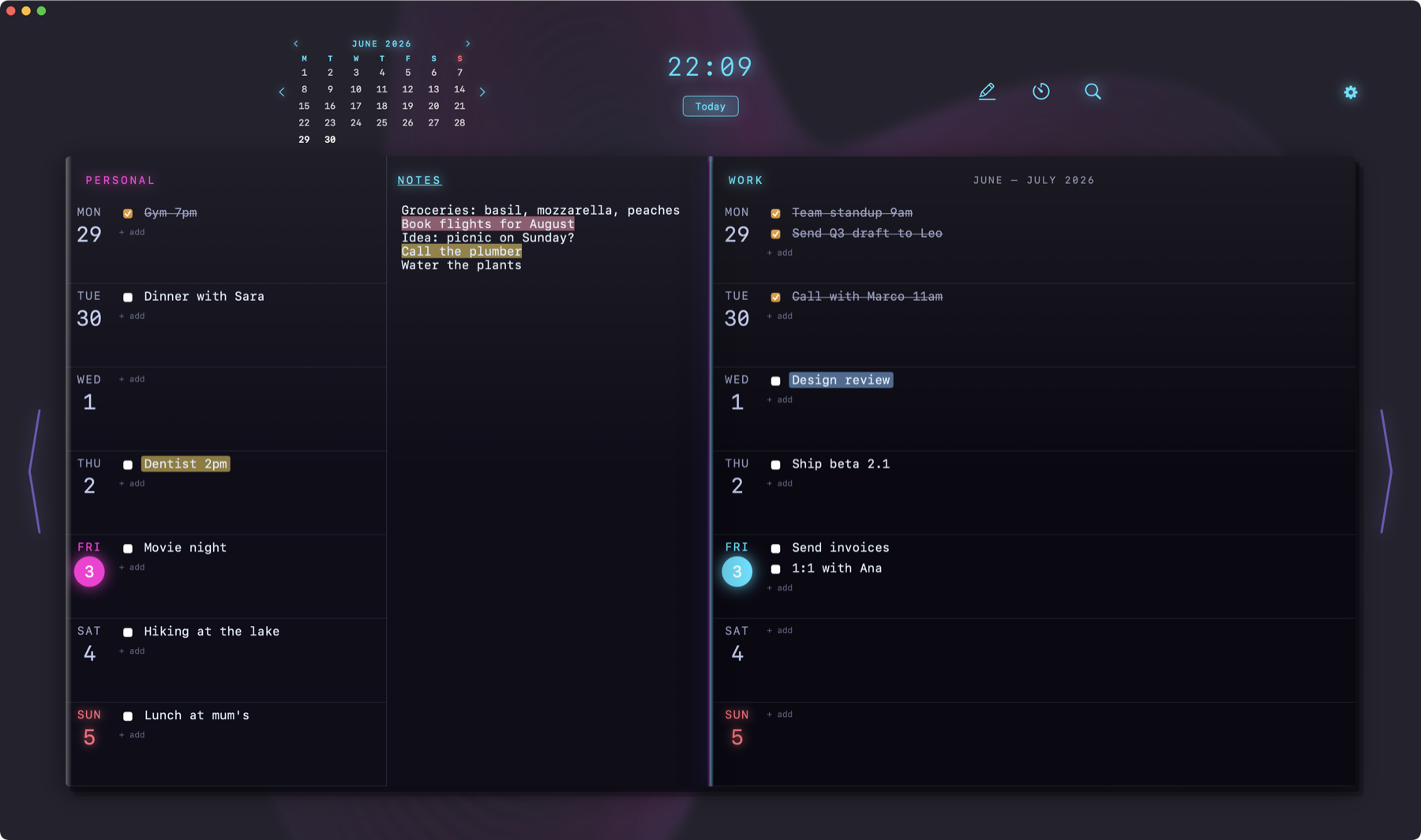
Calendars want appointments in cells. WeekWarp gives you two facing pages and total freedom.
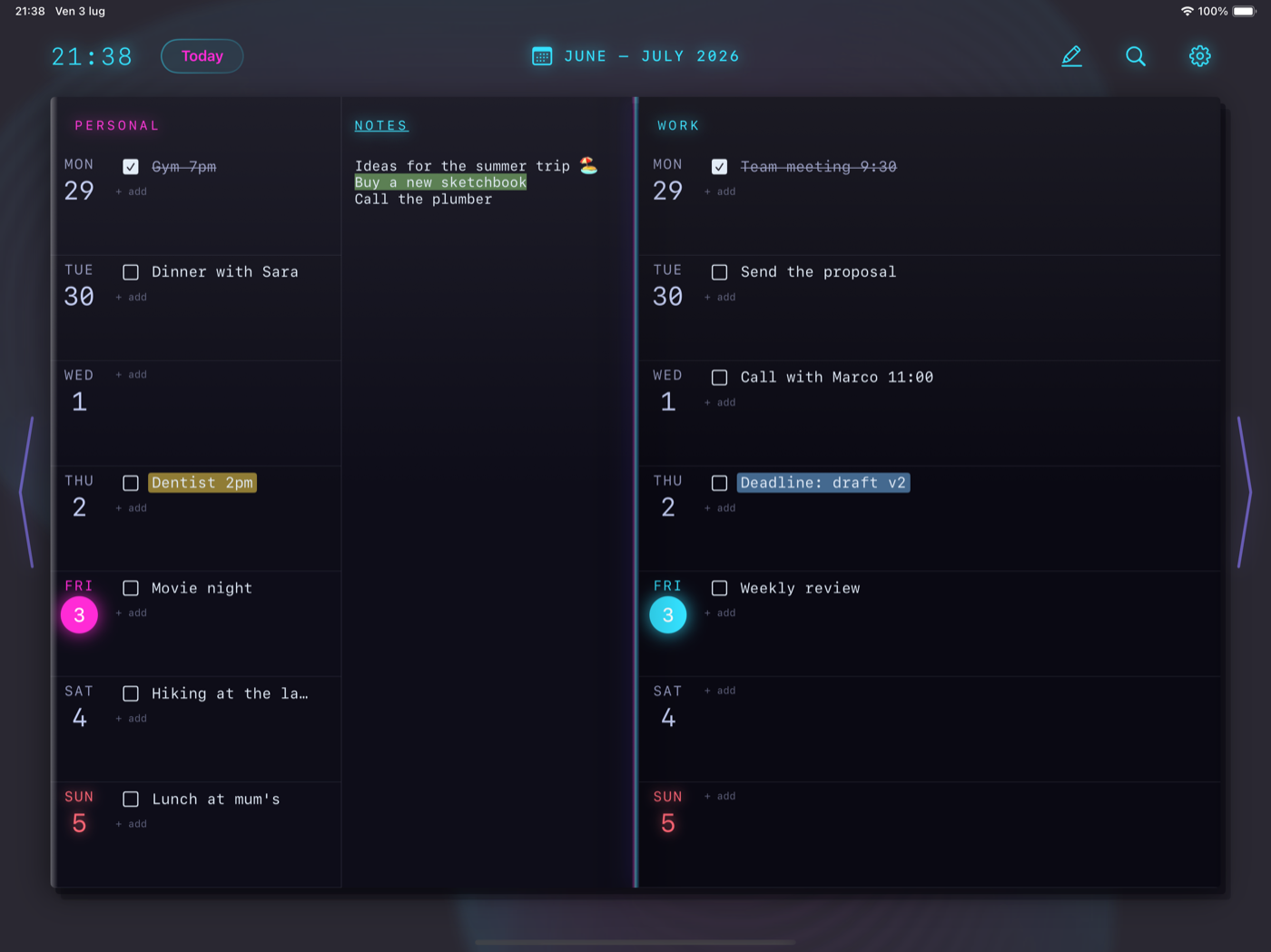
Two facing pages: Personal on the left, Work on the right, and a free page for Notes in between. Everything in one glance.
Bullet-journal freedom: an appointment is a line of text, not a cell in a grid. Write what matters, where it matters.
A five-color marker for entries and notes. Search across all your weeks, set a timer on Mac, glide between weeks with a swipe.
Paper, Sakura, Nebula and Balloon — each theme with its own quiet, living background. You can pause it anytime, and it stops by itself in Low Power Mode.
English, Italiano, Español, Français, Русский, 日本語, 中文 — switch live, no restart.
No accounts, no tracking, no data collection. Your week never leaves your devices.
Paper, Sakura, Nebula and Balloon live inside the app — and on this page. Try them.
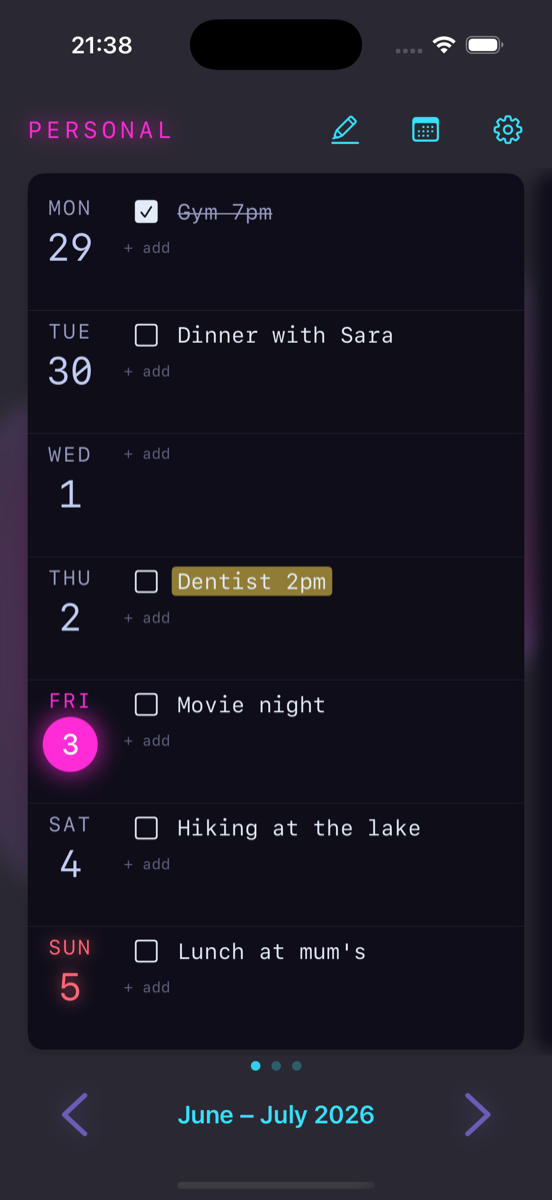
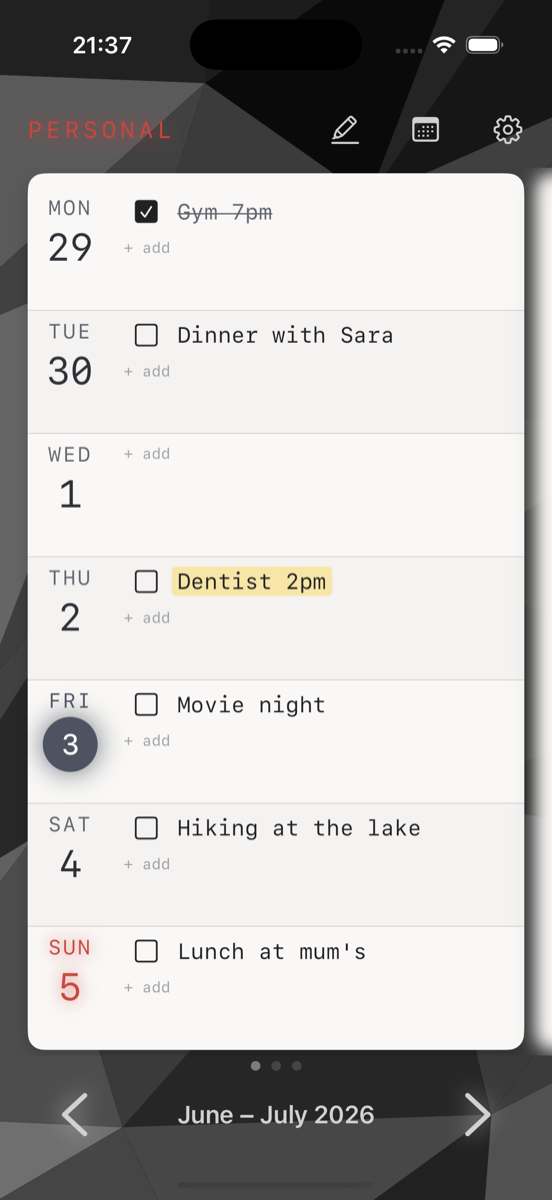
Built with SwiftUI. Fast, light, and at home on every device — big desktop notebook on Mac and iPad, one page at a time on iPhone.